You can customise your Backyou client and team account from Settings > Customisation > Backyou Space :
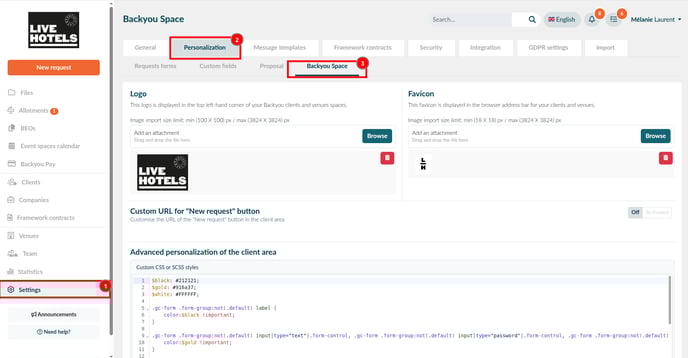
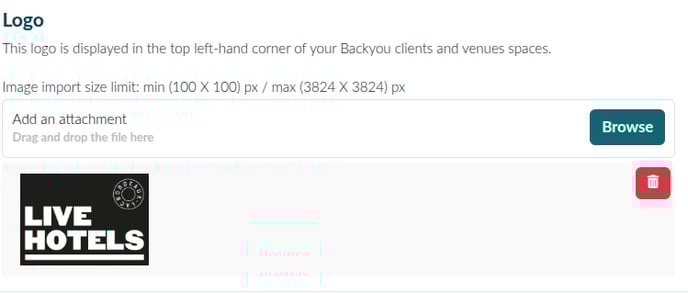
You can add a logo, which will appear at the top left of the Backyou client and venues accounts:
You can also add a favicon, which will appear to the left of the page title in the browser address bar for client and venue team accounts:
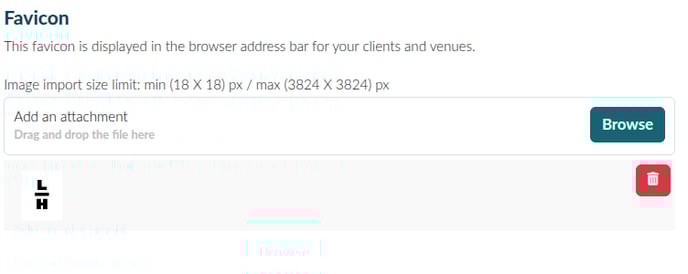
👉 For the best result, make sure the favicon format is 32px x 32px.
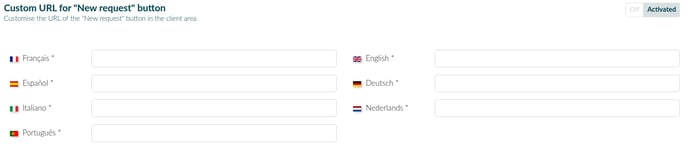
You can customise the URL of the “New request” button in client account, available in 7 languages:
You can also add CSS or SCSS to customise the appearance of the client space only:

⚠️ Don’t forget to save your changes using the
button.